




Download an entire website to your computer
Sometimes it is useful to be able to view the contents of a website without having an Internet connection. To do so, we will have to store each of the web pages that are part of the website on our hard drive. But this is a dense, arduous and boring task.
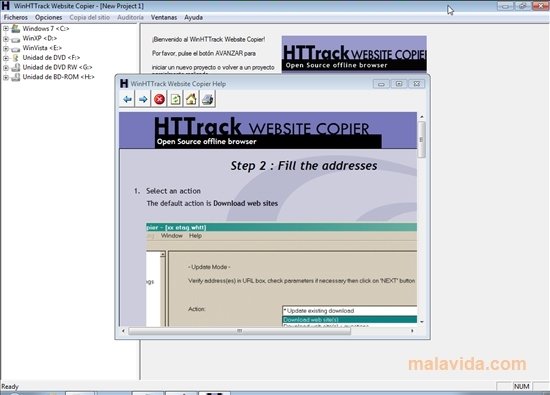
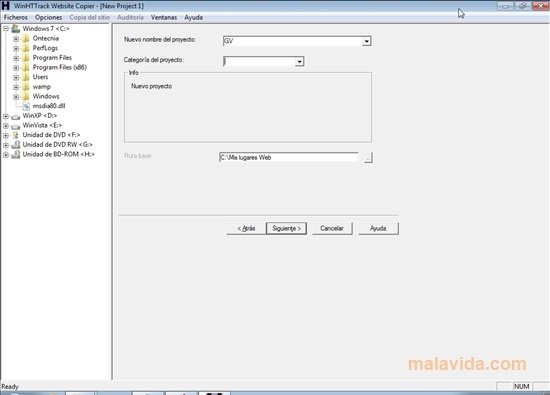
A quick and easy alternative to obtain copies of your favorite Internet websites is WinHTTrack. All you have to do is launch the application, choose a name for the project so that you can later identify the site that you want to store, choose a location on the hard drive and, last of all, indicate the URL and the depth level that we want to download ("Limit" options).
Once you have dumped all the information of the website on your hard drive, you can check the audit files to check that the process has finished properly o simply browse through the website from the shortcut that the application provides.
Main features
- Completely download any website.
- Perform the dump of both the HTML files as well as the images, videos,...
- Easy to use, by means of a guided assistant.
Thanks to WinHTTrack Website Copier you will be able to check tutorials, manuals and any website contents from any computer, even if you don't have an Internet connection.
 Vanessa Martín
¡Hi! I am Vanessa Martin, I like to travel, music, photography, and I am passionate about the Internet, as it is a great source of information where you can find everything you need. If it exists, it is on the Internet. Another of my great...

Antony Peel